Sydney
Live
LiveLocations
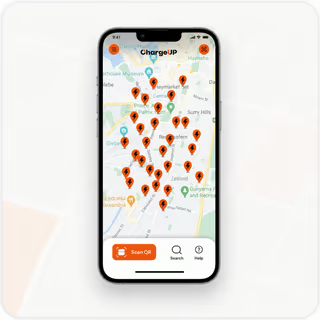
Open the app to see nearby stations, rent in seconds, and return anywhere in the network.
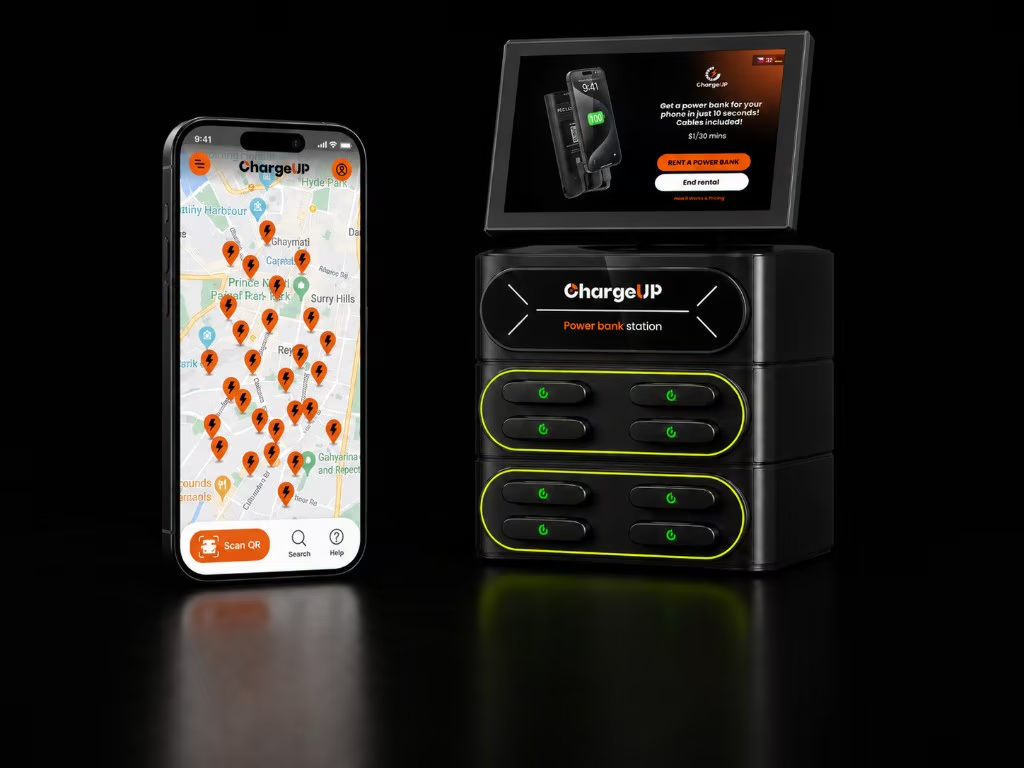
Locations across Australia, and continuing to grow.
Live
LiveLive
LiveLive
LiveLive
LiveComing soon
Coming soonComing soon
Coming soonChargeUP stations are at the places you go.
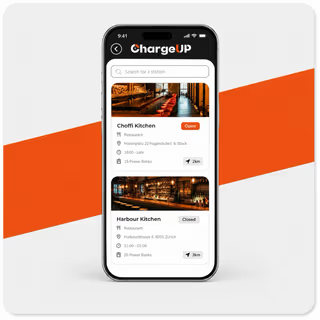
Stay powered while you dine.
Keep the good times connected.
Guest convenience that stands out.
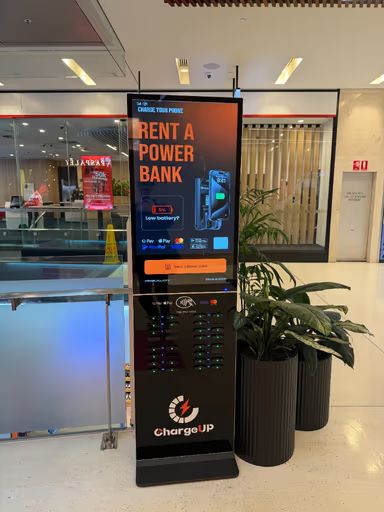
Power on while you shop.
Concerts, cinemas and venues.
Festivals, expos and activations.
Open the ChargeUP app and allow location access.
Pick a nearby station and check availability.
Tap or scan the QR code on the station to rent instantly.
Return at any ChargeUP station in the network.
High-quality power banks that charge your devices fast.
USB-C and Lightning included.
Australian-based team with fast response times.
Join leading venues across Australia and turn dead phones into real revenue.
Open the ChargeUP app and allow location access to see nearby stations, availability, and directions. Stations are installed at partner venues such as bars, restaurants, hotels, and shopping centres across our live coverage areas.
Pricing is displayed on the station screen before you confirm your rental, including hourly, daily, and maximum fees.
No. Tap your card or phone at the station, or scan the on-screen QR code. The app is optional and makes it faster to find stations and check availability.
Yes. Return your power bank to any ChargeUP station in the network — borrow at one venue and drop off at another.
If return slots are full or a unit will not unlock, use the app to find another nearby station. For a faulty screen or offline kiosk, try another station and contact support with the station location.
Each power bank includes built-in USB-C and Lightning cables.
Can't find what you're looking for? Visit our Help Centre →